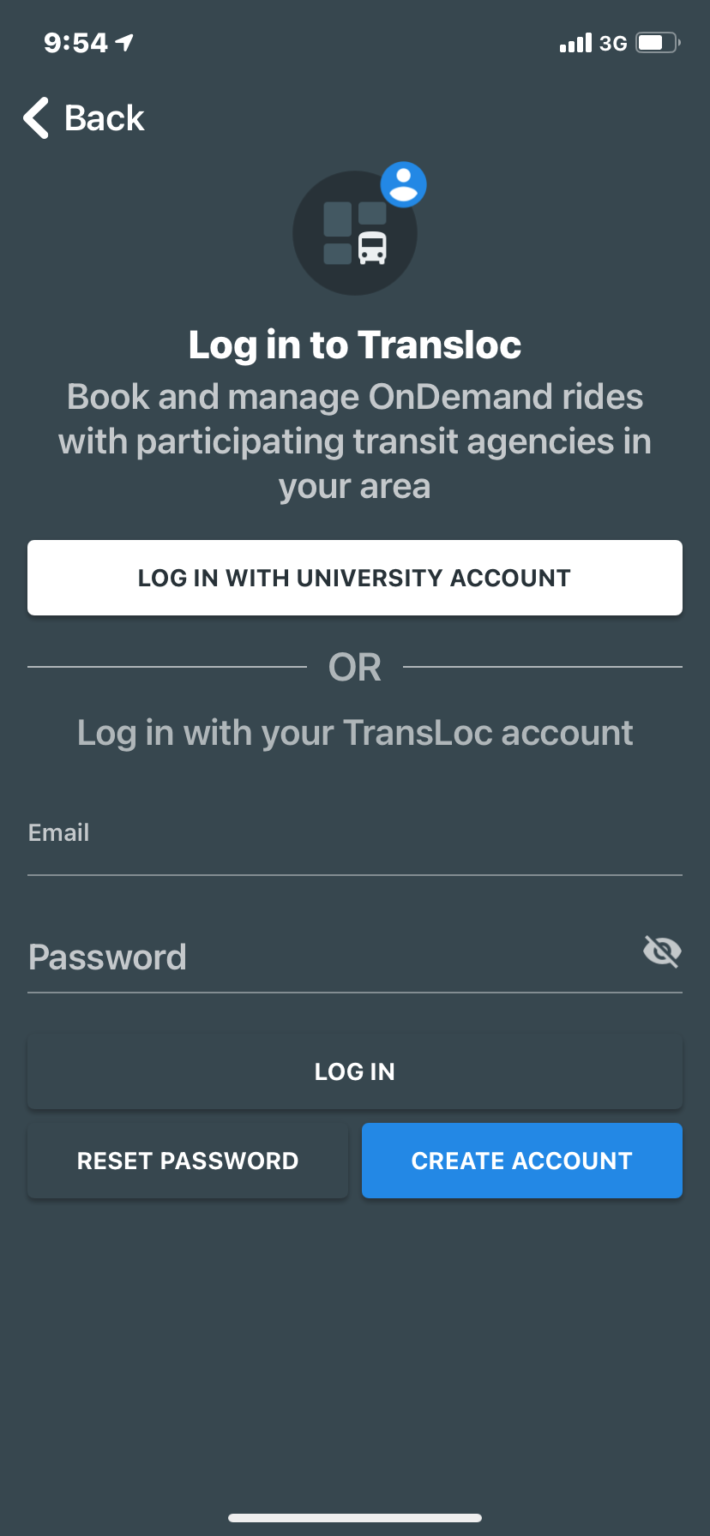
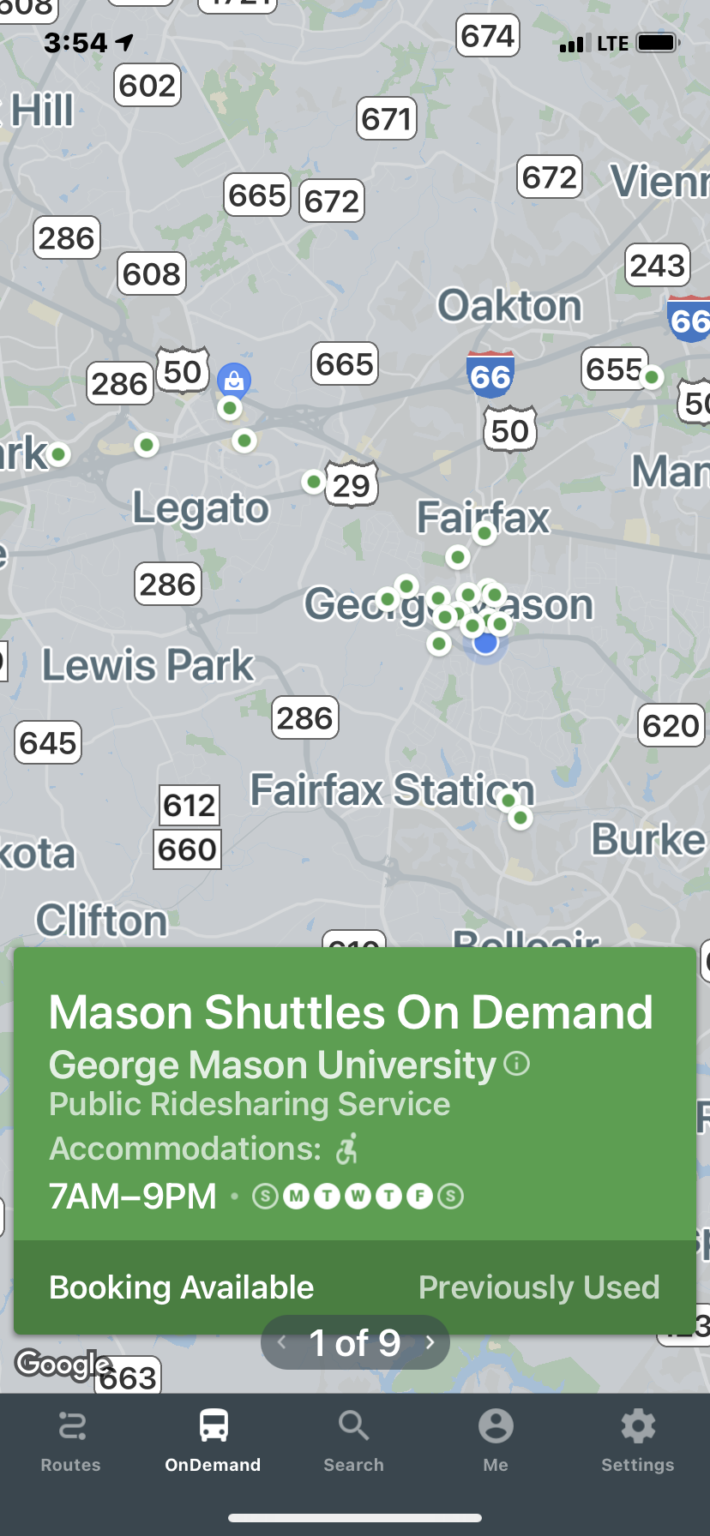
Step 1: Download the Transloc app. Click on
View On-Demand Services and choose
Mason Shuttles on Demand
- Create your account using your Mason email address.
- Enter a phone number that can receive texts; it’s how the app will contact you if needed.
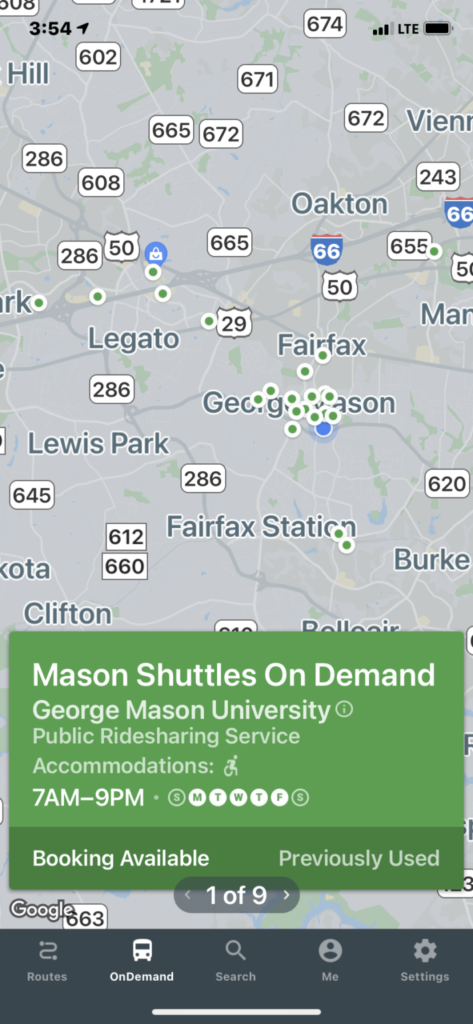
Step 2: Click on Booking Available at the bottom of the screen.
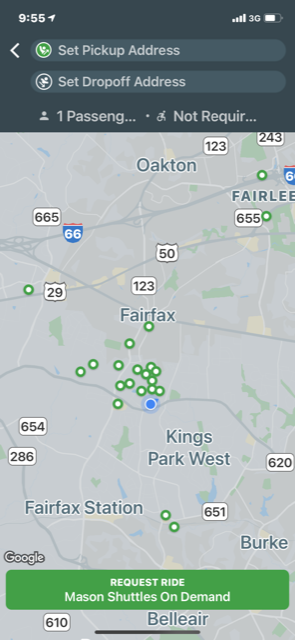
 Step 3: Select from a range of pick-up and drop-off locations to request your ride.
Note:
Step 3: Select from a range of pick-up and drop-off locations to request your ride.
Note: Mason Shuttles On-Demand only serves the locations in the drop-down menu.
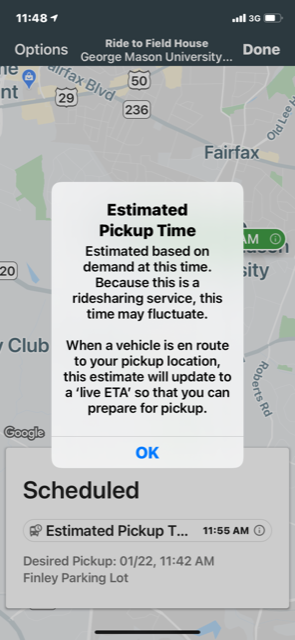
 Step 4: Your estimated pick-up time will show up at the bottom of your screen once your ride is scheduled.
 The app will provide an estimated pick-up time and it will adjust the time if conditions change.
- When you request the shuttle, you will be put into a queue to be picked up; the length of the wait for your pick-up is dependent on the demand for the shuttle at the time.
- You may experience a delay in receiving a pick-up notification during high volume times as the TransLoc app algorithm assesses which vehicle can pick you up.
- It is recommended that you not cancel the shuttle and then immediately rebook it; this just puts you further down the list for pick-up.
 Step 5: Arrive at the pick-up location in advance.
 When you see the On-Demand Shuttle, be sure to signal to the driver that you are being picked up.
- You must be at the stop when the shuttle arrives; they can’t wait for you.
- There may be a short delay in service during driver shift changes.
- If you’re using other Mason Shuttles, you can track it on the Transloc app, searching for George Mason under the Routes section.